
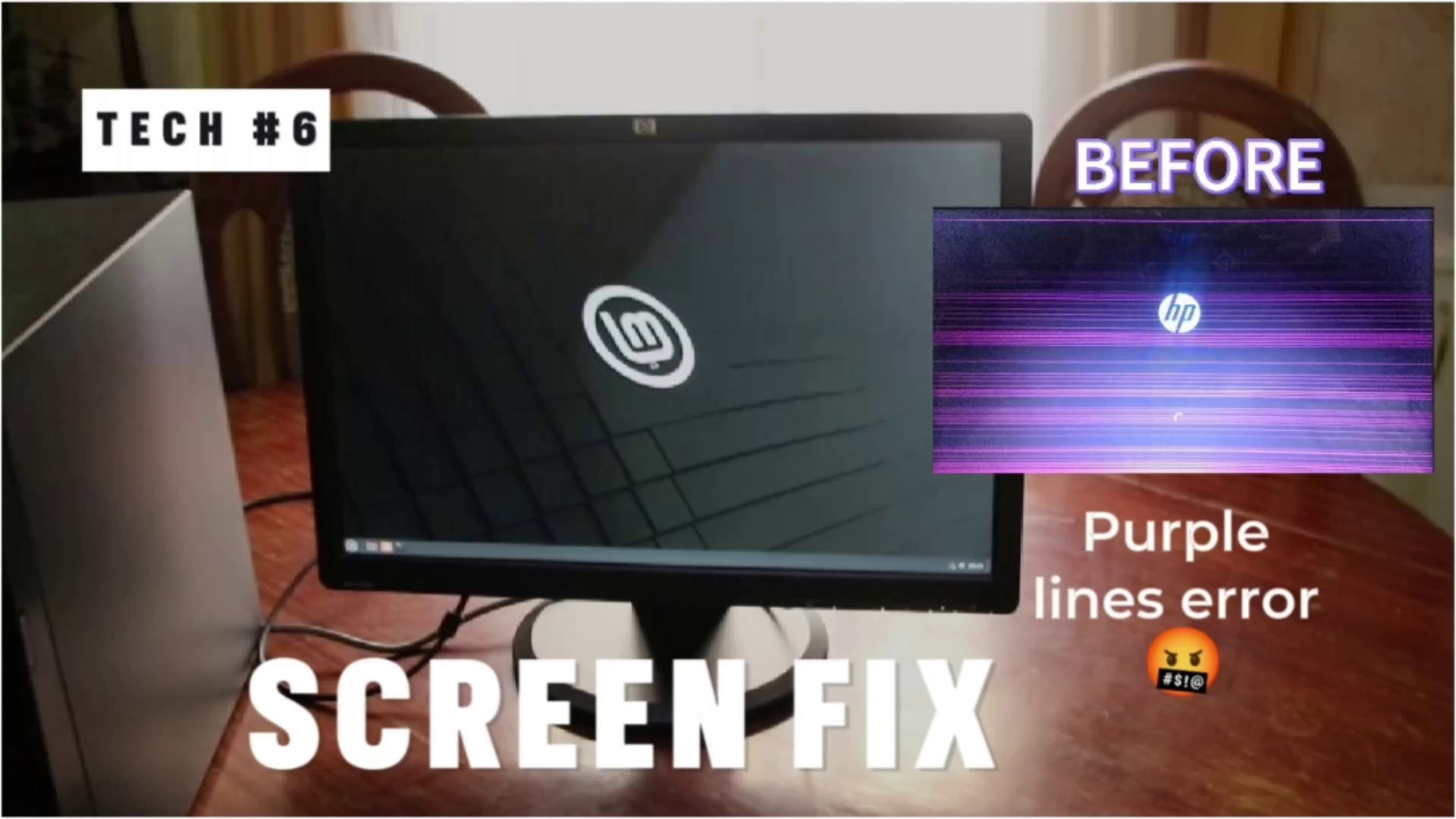
Watch the video: Display Screen Flickering & Line Blinking Problem
The issue is either the software or the Hardware.
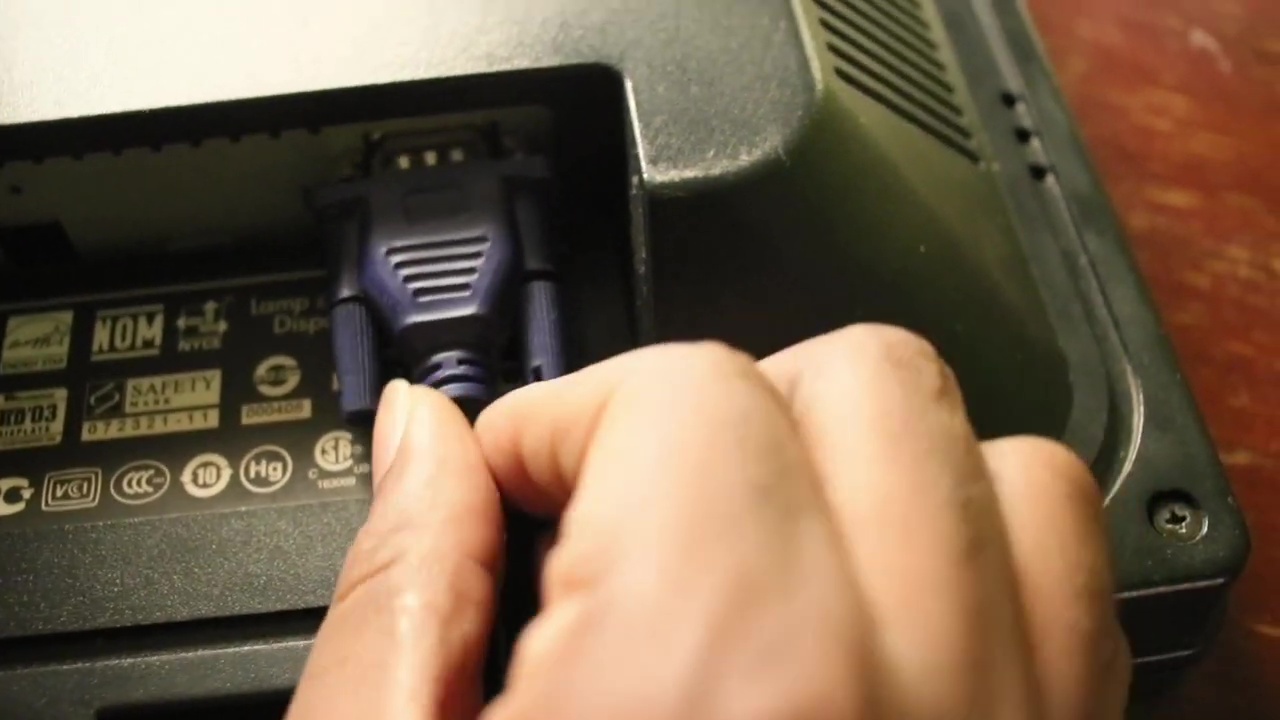
1. First thing I did was to check if the cables were properly connected.
Check if the lines appear on the screen when the computer first starts up or on the POST screen. If they do, the problem is likely caused by a faulty LCD or a damaged connecting cable.
2. It the problem persists then,
Check if the lines appear on the startup screen, update your graphic card drivers to the latest version. You can find the name of your graphic card by typing dxdiag in the run dialog (Windows key + R) and going to the Display tab. Then, search for the drivers on the manufacturer’s website and install them.
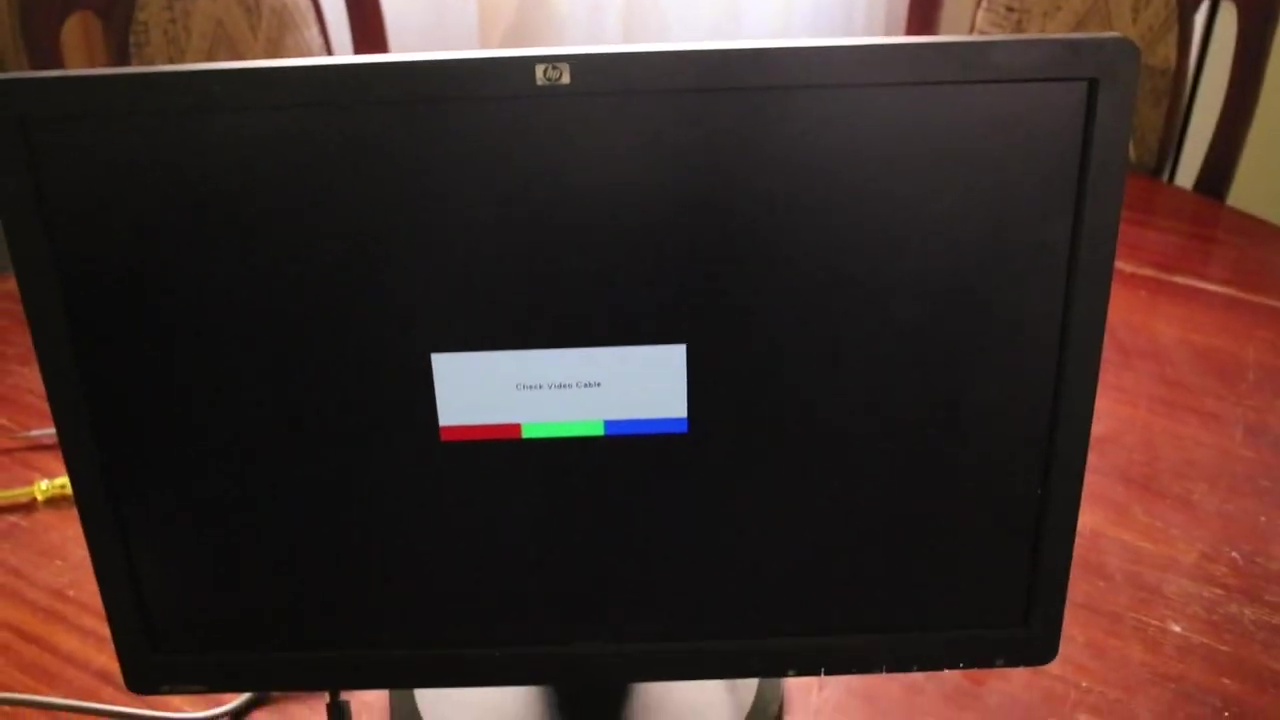
3. If updating the drivers does not solve the problem,
Try connecting your system to an external monitor and switch the display using Win + P keys. If you get a clean display on the external monitor, then the problem is in the LCD screen or the connecting cable. If you get the same lines on the external monitor, then the problem is in the graphic card or the motherboard.
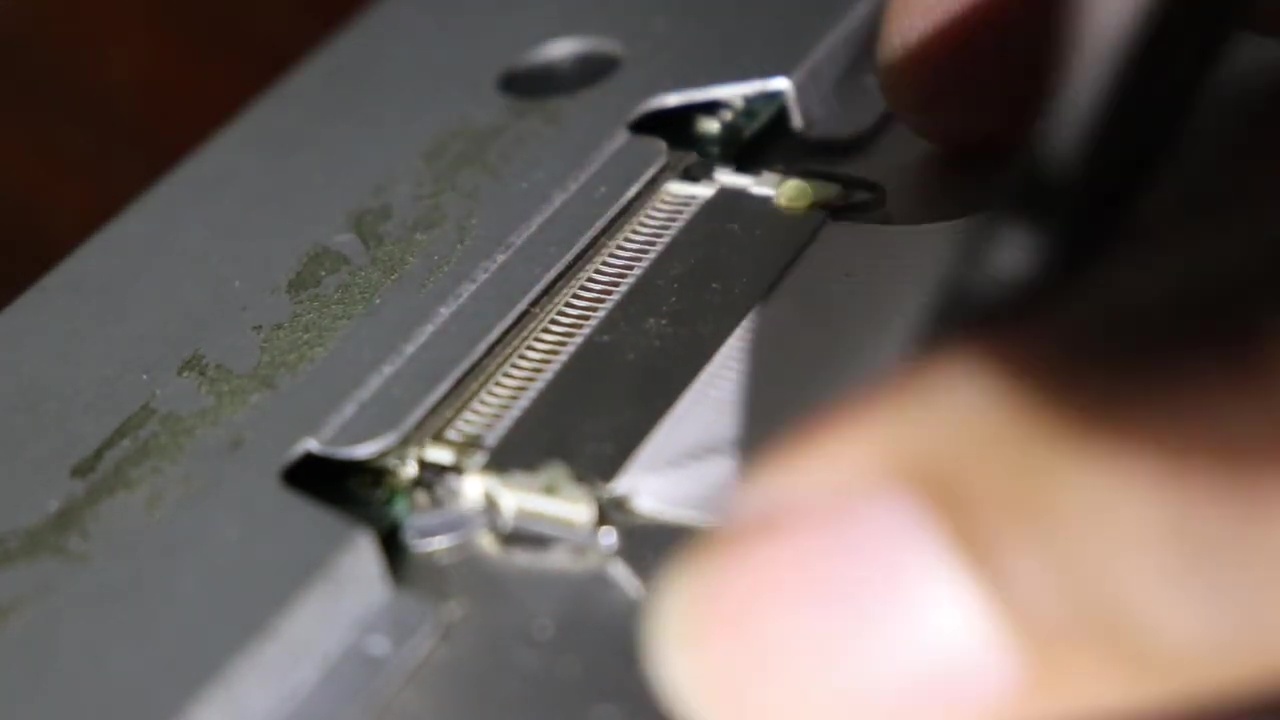
4. If the problem is in the LCD screen or the connecting cable,
You may need to replace them or take your system to a repair shop. You can also try unplugging and replugging the monitor, checking the monitor connection, and removing any magnets or electronics near the monitor that may interfere with the signal.
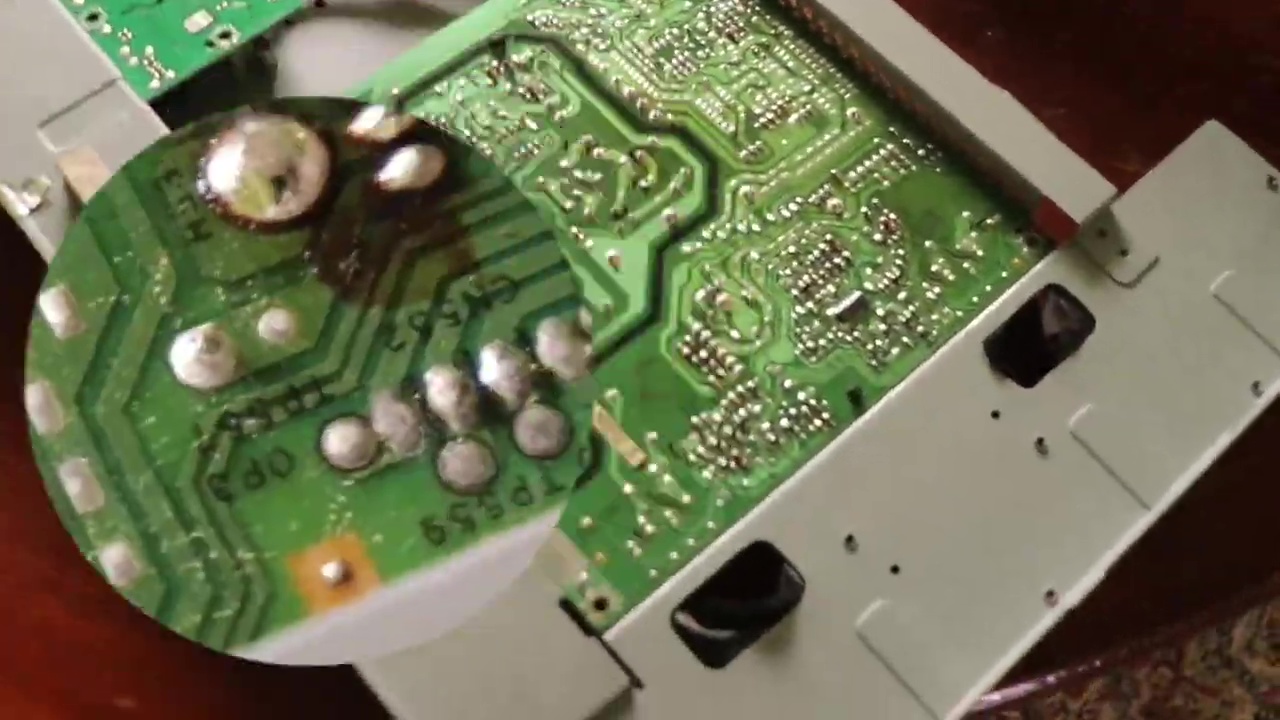
5. If the problem is in the graphic card or the motherboard,
You may need to replace them or take your system to a repair shop. You can also try restarting your computer, using your laptop on a hard surface, and installing the latest operating system updates.
I hope this guideline helps you fix the pink lines on your monitor screen. For more information, you can comment below.
CONNECT WITH ME
Official web site: https:/kahihia.com
– Twitter: https://twitter.com/kah1h1a
– Facebook: https://www.facebook.com/kahihia
– TikTok: https://www.tiktok.com/@kah1h1a
– Instagram: https://www.instagram.com/kah1h1a/
SUBSCRIBE ON YOUTUBE
– YouTube: https://www.youtube.com/@Kahihia?sub_confirmation=1


Leave a Reply to vipjili Cancel reply