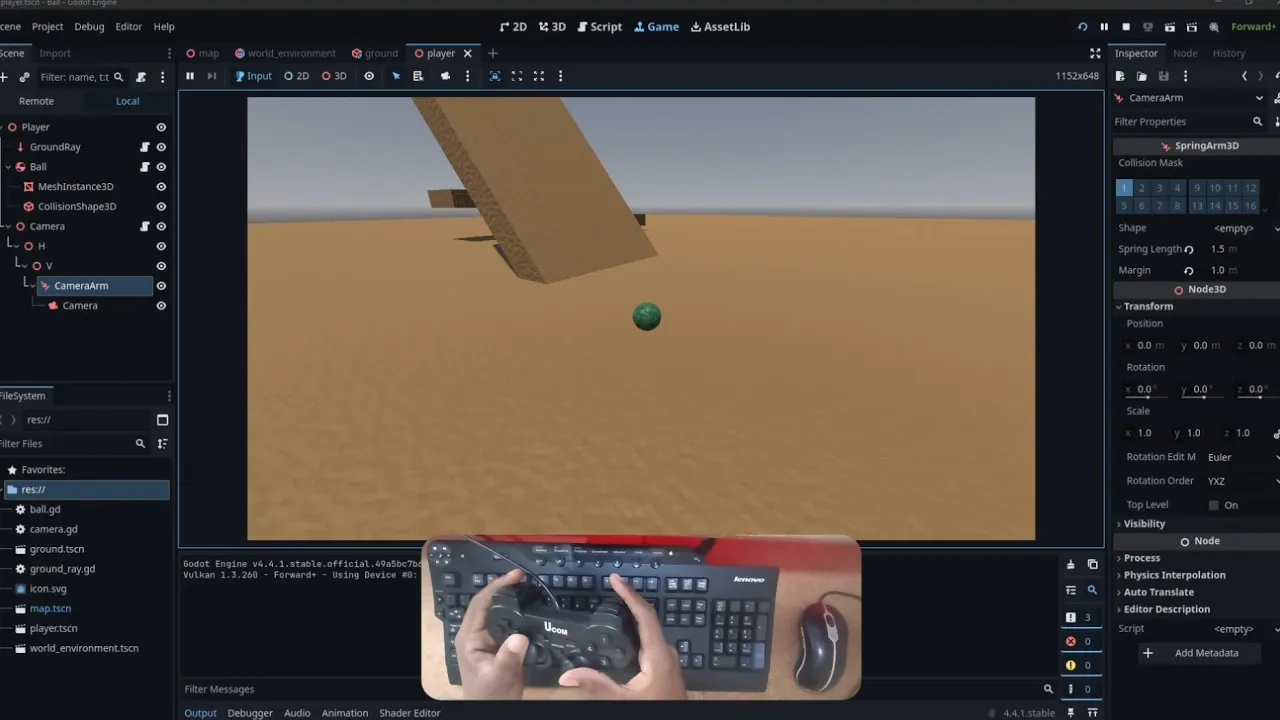
Watch the video: Adding Camera Zoom to my Godot 4 Marble Game - Part 3
Ever played a game where you wished you could just zoom in to see that crucial detail or zoom out to get the bigger picture? If you’re developing a marble game in Godot 4, giving players control over the camera’s zoom is a fantastic way to enhance both immersion and strategic depth. In this article, I’ll break down how to implement dynamic camera zoom in your own Godot 4 project, inspired by my latest devlog on building a marble game.
Why Camera Zoom Matters
A fixed camera can feel restrictive. For a marble game, zoom offers several benefits:
- Immersion: Players can get up close and personal with their marble, appreciating the textures and the subtle inclines of the track. This makes the experience feel more personal and engaging.
- Strategy: Being able to zoom out allows players to see upcoming obstacles, plan their shots, and understand the overall layout of the level. This is crucial for puzzles or levels requiring foresight.
- Accessibility: Different players have different preferences. Some might prefer a tight, focused view, while others like a broader perspective. Zoom offers flexibility.
The Core Components: Camera3D and Input
At the heart of camera control in Godot 4 is the Camera3D node. If you’re following a common setup for a marble game, your camera might already be a child of a SpringArm3D or directly attached to your marble, following it around. The principle for zoom remains largely the same: you’ll adjust its distance from the point of interest.
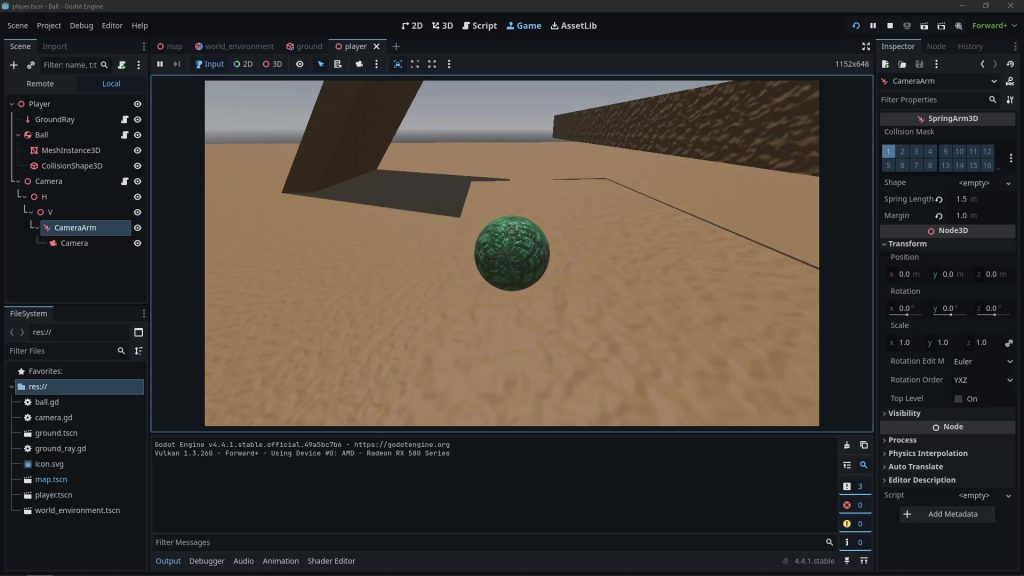
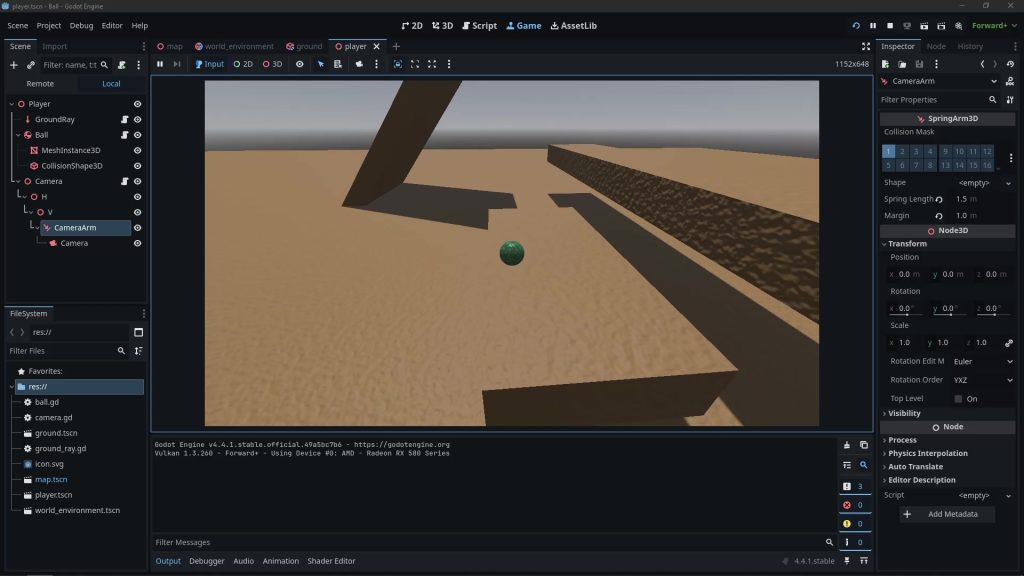
The most intuitive input for zoom is often the mouse scroll wheel. Godot makes capturing this input straightforward, allowing you to react in real-time to player interaction.
Implementing the Zoom Logic
Implementing camera zoom might seem like a small detail, but it significantly elevates the player experience. By giving players control over their perspective, you empower them to engage with your game world in a way that suits their playstyle.
Start by choosing the method that best fits your current camera setup. Then, experiment with zoom_speed and interpolation values to find the perfect feel for your marble game.
# add Camera Zoom
@export var minimum_spring_length_val: float = 1.5 # minimum zoom same as spring length
@export var maximum_spring_length_val: float = 5.0 # maximum zoom
@export var zoom_interpolation_speed: float = 1.0


# Controller-specific settings
@export var controller_h_sensitivity : float = 1.5
@export var controller_v_sensitivity : float = 1.5
@export var controller_deadzone : float = 0.15
@export var controller_response_curve : float = 1.5  # Higher = more precision at low input

var current_spring_length: float # add var

func _ready():
	current_spring_length = camera_spring_arm.spring_length # default spring length

func _input(event):
	# zoom input
	var zoom_changed: bool = false
	if event.is_action_pressed("cam_in"):
		current_spring_length -= 1
		zoom_changed = true
	if event.is_action_pressed("cam_out"):
		current_spring_length += 1
		zoom_changed = true
	if zoom_changed:
		current_spring_length = clamp(current_spring_length, float(minimum_spring_length_val), float(maximum_spring_length_val))
Happy coding, and look forward to seeing the dynamic camera views in your Godot 4 projects!


Leave a Reply to metoprolol tartrate 50mg Cancel reply