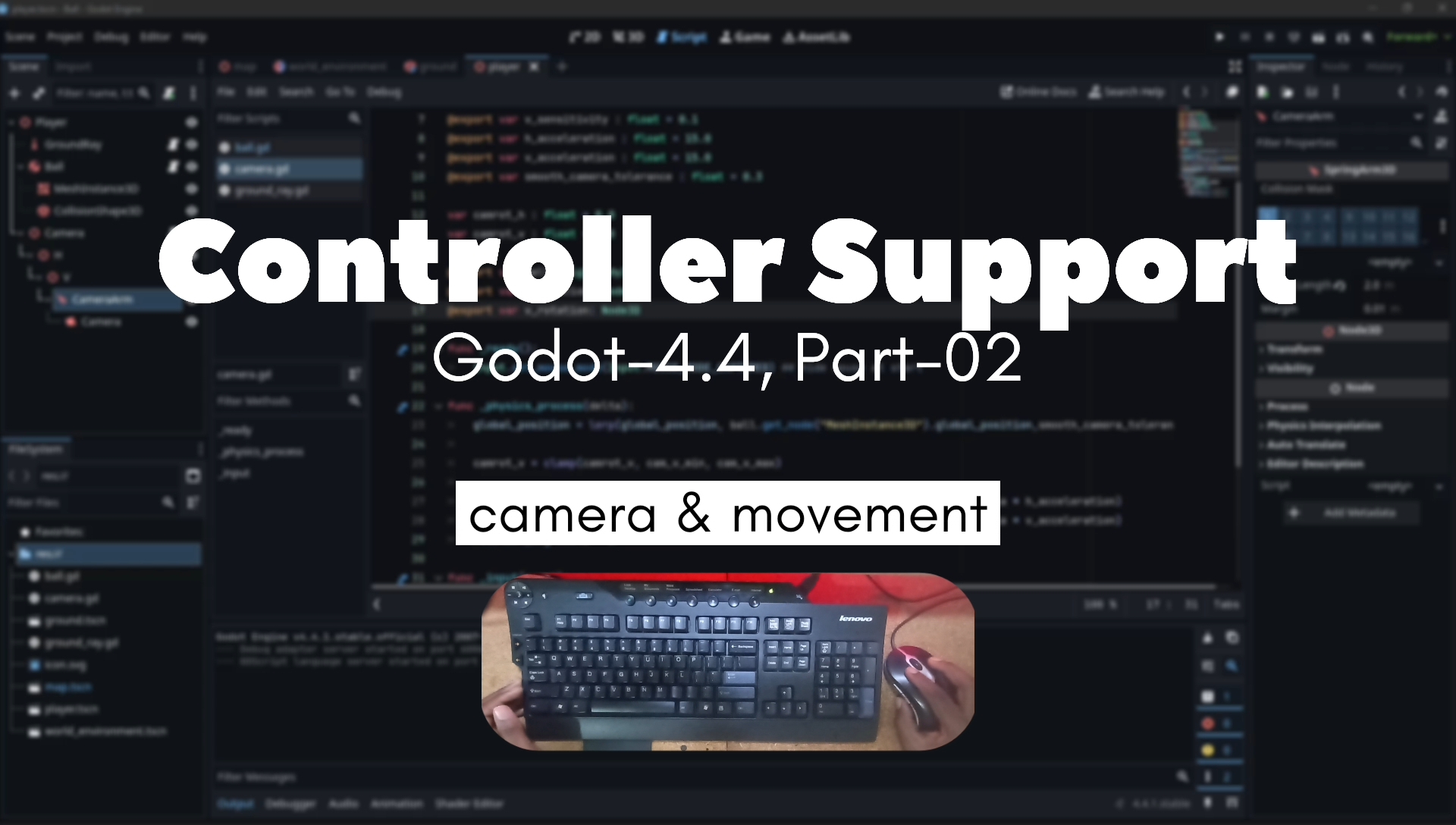
Watch the video: Adding Controller Support | Godot 4 Marble Game - Part 2
After launching the first video showing the Godot 4 Marble Game, I’ve received some great feedback — and one popular suggestion was to support game controllers. So for Part 2, I integrated full controller support using Godot’s flexible Input system.
🎮 Why Add Controller Support?
Supporting both keyboard and controller input makes a game more accessible and enjoyable to a wider range of players. Analog sticks offer smoother movement and precise control, which works perfectly for a rolling marble.
🧩 What Was Added
Here’s what I implemented:
- Movement via Left Stick: Using
InputEventJoypadMotion, we mapped the left stick to apply directional force to the marble. - Camera Rotation with Right Stick: Right stick controls horizontal and vertical camera rotation, offering better navigation in 3D space.
- Seamless Input Blending: Whether you’re using a keyboard or a gamepad, the input is detected automatically.
- Input Map Setup: Custom actions defined in Godot’s InputMap for better control and future remapping.
🔧 Development Notes
Godot 4 made this integration intuitive. The new InputEvent system cleanly separates device input types, so adding support was mostly about interpreting the right axes and tuning the sensitivity.
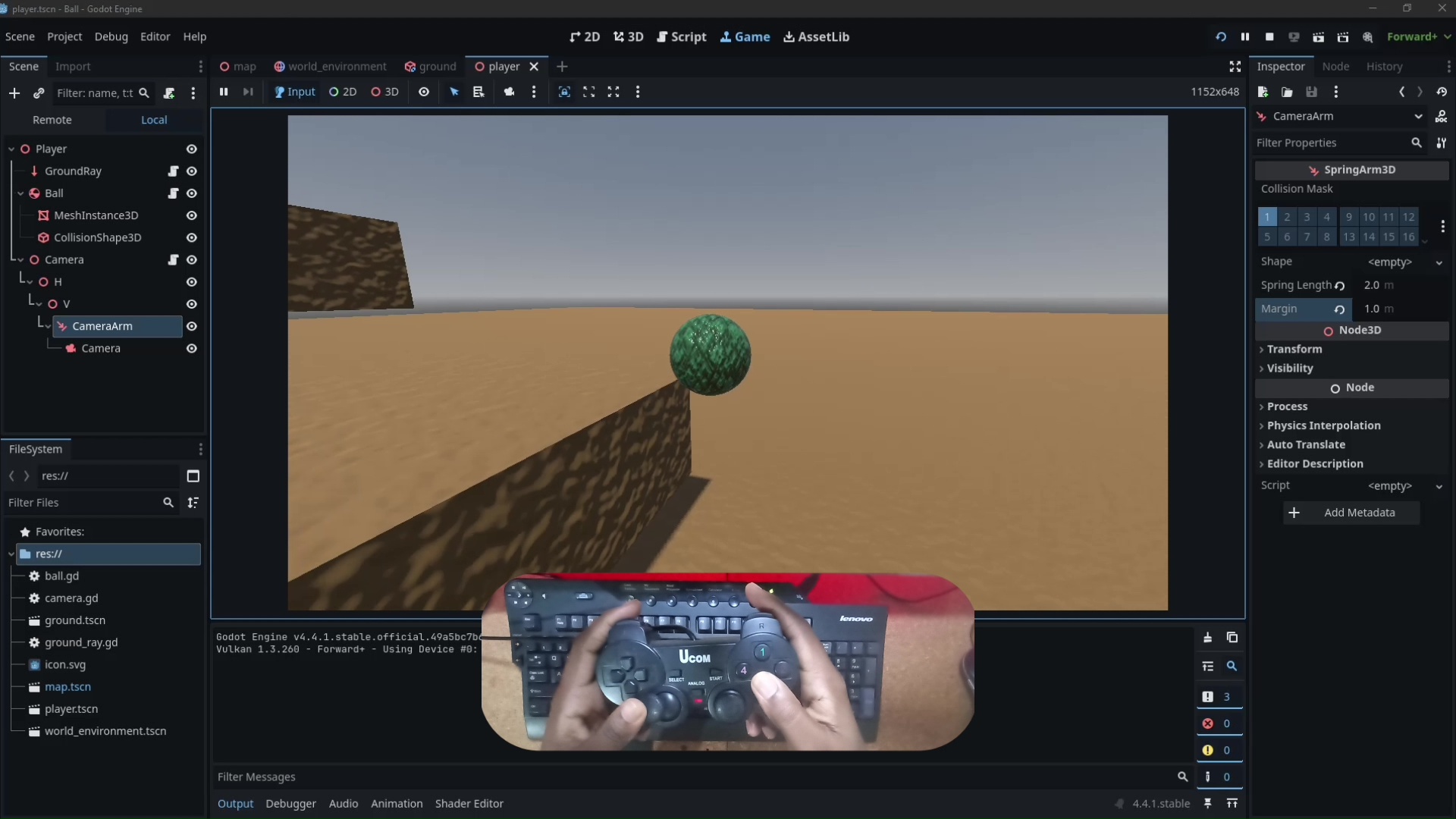
camera.gd update
extends Node3D

@export_category("Configurables")
@export var cam_v_max : float = 110.0
@export var cam_v_min : float = -75.0
@export var h_sensitivity : float = 0.1
@export var v_sensitivity : float = 0.1
@export var h_acceleration : float = 15.0
@export var v_acceleration : float = 15.0
@export var smooth_camera_tolerance : float = 0.3

# Controller-specific settings
@export var controller_h_sensitivity : float = 1.5
@export var controller_v_sensitivity : float = 1.5
@export var controller_deadzone : float = 0.15
@export var controller_response_curve : float = 1.5  # Higher = more precision at low input

var camrot_h : float = 0.0
var camrot_v : float = 0.0

@export var ball: RigidBody3D
@export var h_rotation: Node3D
@export var v_rotation: Node3D

func _ready():
	Input.set_mouse_mode(Input.MOUSE_MODE_CAPTURED) ## hide mouse at start

func _physics_process(delta):
	global_position = lerp(global_position, ball.get_node("MeshInstance3D").global_position,smooth_camera_tolerance)

	# Process controller input
	_process_controller_input(delta)

	camrot_v = clamp(camrot_v, cam_v_min, cam_v_max)

	h_rotation.rotation_degrees.y = lerp(h_rotation.rotation_degrees.y, camrot_h, delta * h_acceleration)
	v_rotation.rotation_degrees.x = lerp(v_rotation.rotation_degrees.x, camrot_v, delta * v_acceleration)
	rotation_degrees.z = 0

func _input(event):
	if event is InputEventMouseMotion:
		camrot_h += -event.relative.x * h_sensitivity
		camrot_v += -event.relative.y * v_sensitivity

# Controller input processing
func _process_controller_input(delta):
	# Get right stick input values
	var right_x = Input.get_joy_axis(0, JOY_AXIS_RIGHT_X)
	var right_y = Input.get_joy_axis(0, JOY_AXIS_RIGHT_Y)

	# Apply deadzone
	if abs(right_x) < controller_deadzone:
		right_x = 0.0
	if abs(right_y) < controller_deadzone:
		right_y = 0.0

	# Apply response curve for better control feel
	right_x = sign(right_x) * pow(abs(right_x), controller_response_curve)
	right_y = sign(right_y) * pow(abs(right_y), controller_response_curve)

	# Apply rotation based on controller input
	camrot_h += -right_x * controller_h_sensitivity * delta * 60
	camrot_v += -right_y * controller_v_sensitivity * delta * 60


Leave a Reply to wellbutrin cause low libido Cancel reply