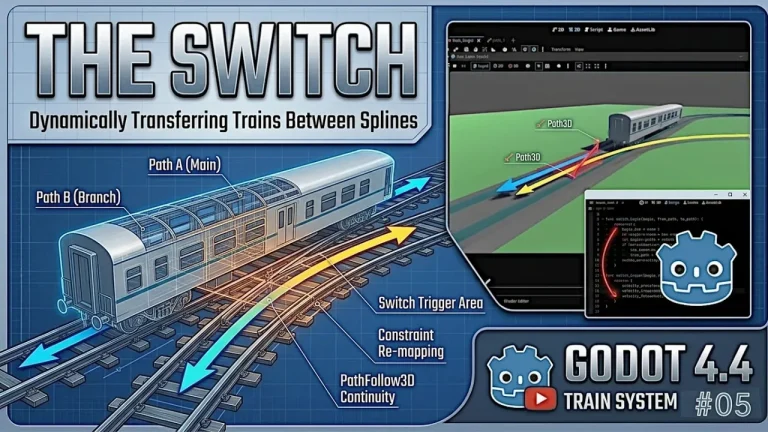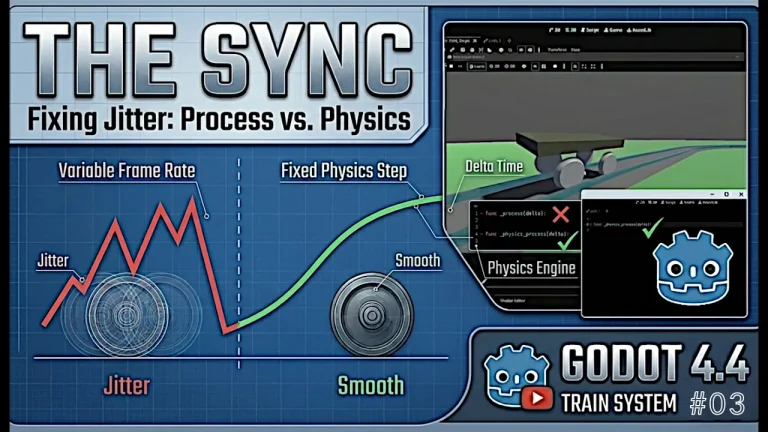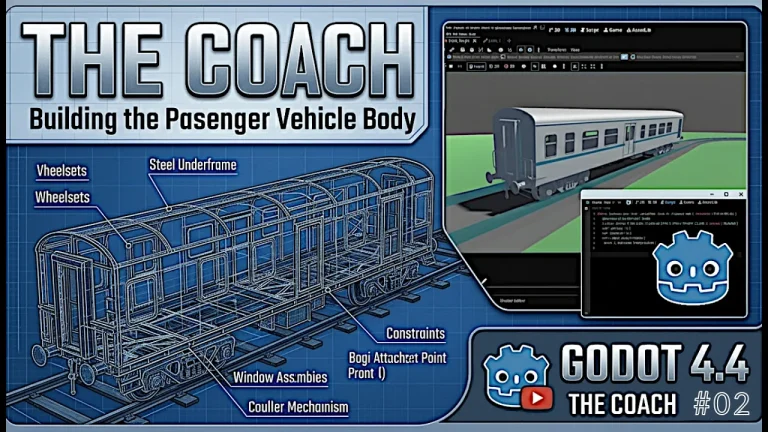
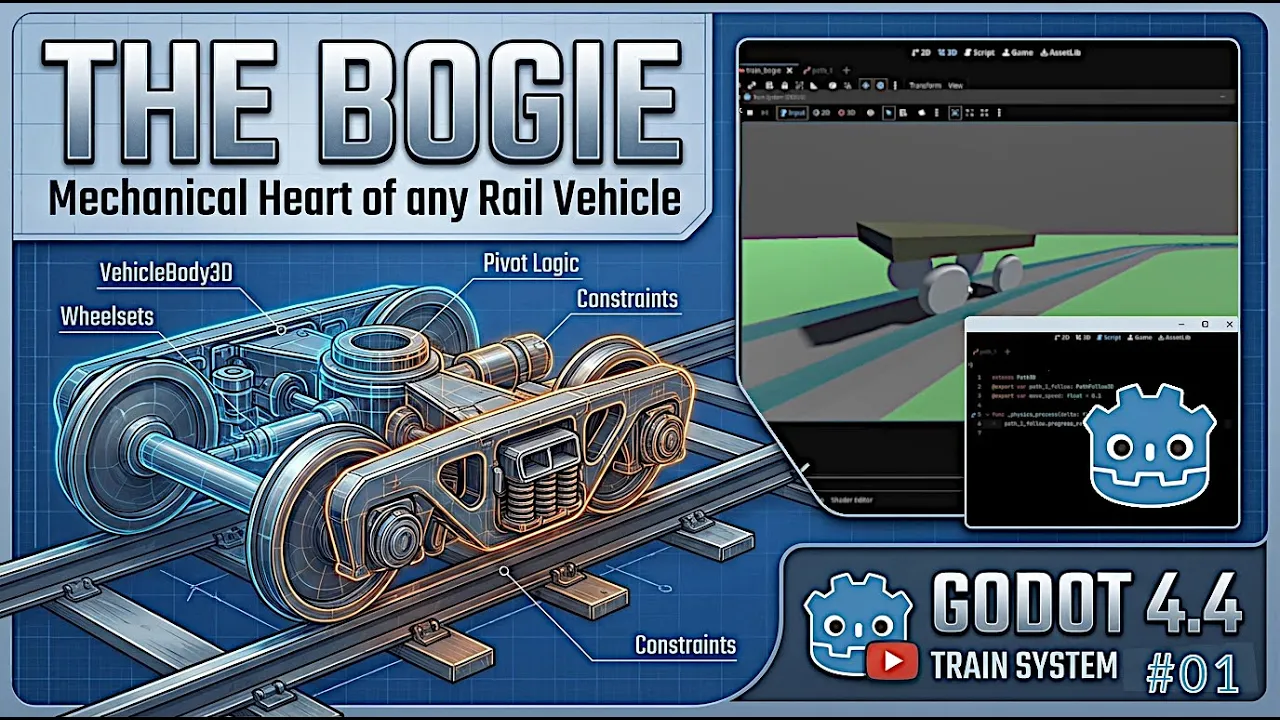
Whether you are designing a cozy, scenic light rail simulation or a heavy-duty freight engine network, mastering the bogie (or truck) setup is your foundational first step. A smooth, physically stable bogie ensures authentic visuals and reliable movement before you even think about adding passenger coaches or locomotive cabins.
In this first part of our modular train series, we break down how to construct a robust 3D train bogie and anchor it to a spline track using Godot 4.4.
🛠️ Step 1: Scene Architecture & The Bogie Foundation
Before touching code or paths, we need to structure our bogie node hierarchy using Godot’s built-in vehicle physics components.
- Root Node (
VehicleBody3D): Serves as the primary physical frame for our bogie assembly. - Collision & Meshes: Add a dedicated
CollisionShape3Dand a detailedMeshInstance3Dto give the bogie proper physical presence. - Wheelsets (
VehicleWheel3D): Position the wheels precisely onto the bogie frame. Ensuring correct wheel radius configuration and local transformations prevents annoying physics bouncing or sliding down the line.
🛤️ Step 2: Constructing the Rail Network (Path3D)
To guide our bogie smoothly through curves and straightaways, we rely on Godot’s curve-based spatial paths.
- Path3D & Curve3D: Create a
Path3Dnode in your main scene and populate its curve properties. - Shaping Curves: Use
Ctrl+ drag in the 3D viewport to dynamically add and manipulate path points, creating organic curves and turns for your rail layout. - Mesh Placement: Extrude or place your railroad track meshes along the path to match the visual rails to your underlying mathematical spline.
🔗 Step 3: Path Logic & Constraint Setup
Once your track and bogie are built, the challenge is getting them to work together seamlessly without jitter.
- Path Tracking Integration: Attach the bogie framework or use a helper hierarchy to follow the
Path3Dspline independently of any train car body. - Orientation & Alignment: Configure rotation constraints to ensure the bogie pivots naturally along the curve vector.
- Constraint Optimization: Leverage Godot 4.4’s latest physics and optimization tweaks to keep the wheels glued firmly to the rails, eliminating high-frequency jitters or clipping issues.
🔍 Step 4: Preview Testing & Troubleshooting
With your scene fully wired up, it’s time to run your first simulation tests.
- Initial Test Drive: Push the bogie along the path nodes and verify that rotation and elevation adjustments track smoothly.
- Fine-Tuning: If wheels lose traction or clip through the geometry, check your wheel suspension parameters, collision masks, and path interpolation settings.
Moving a Train Bogie along a spline in Godot 4.4 video tutorial
This video provides a live visual walkthrough of the exact viewport setups, curve manipulation steps, and node hierarchies needed to bring your initial rail segment to life.