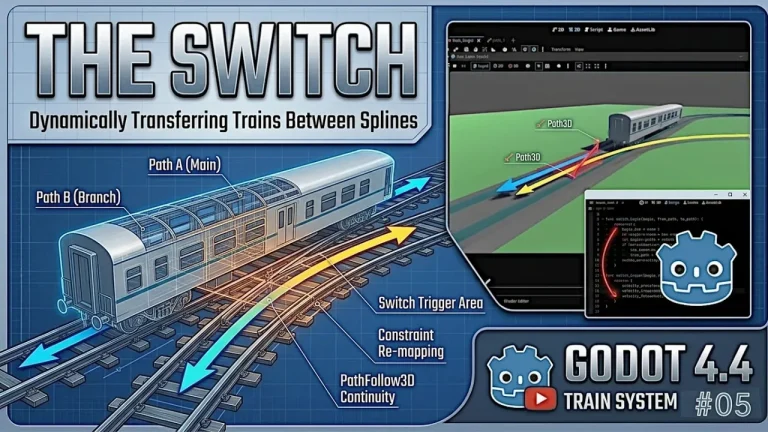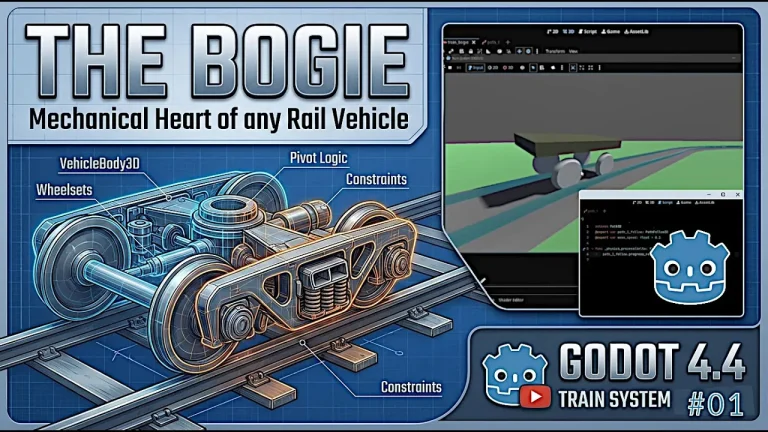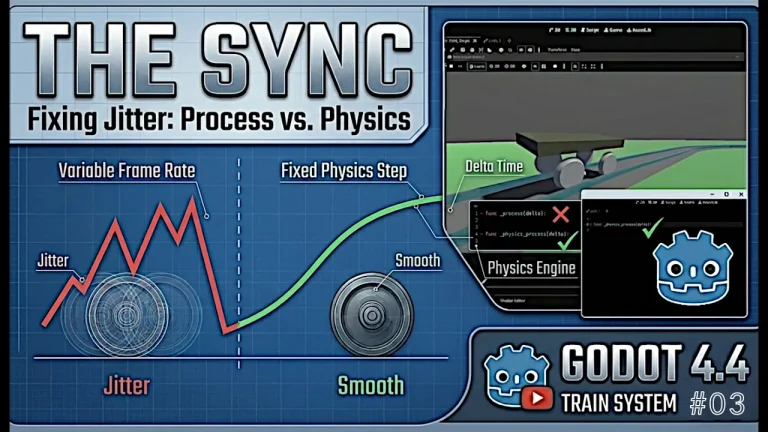
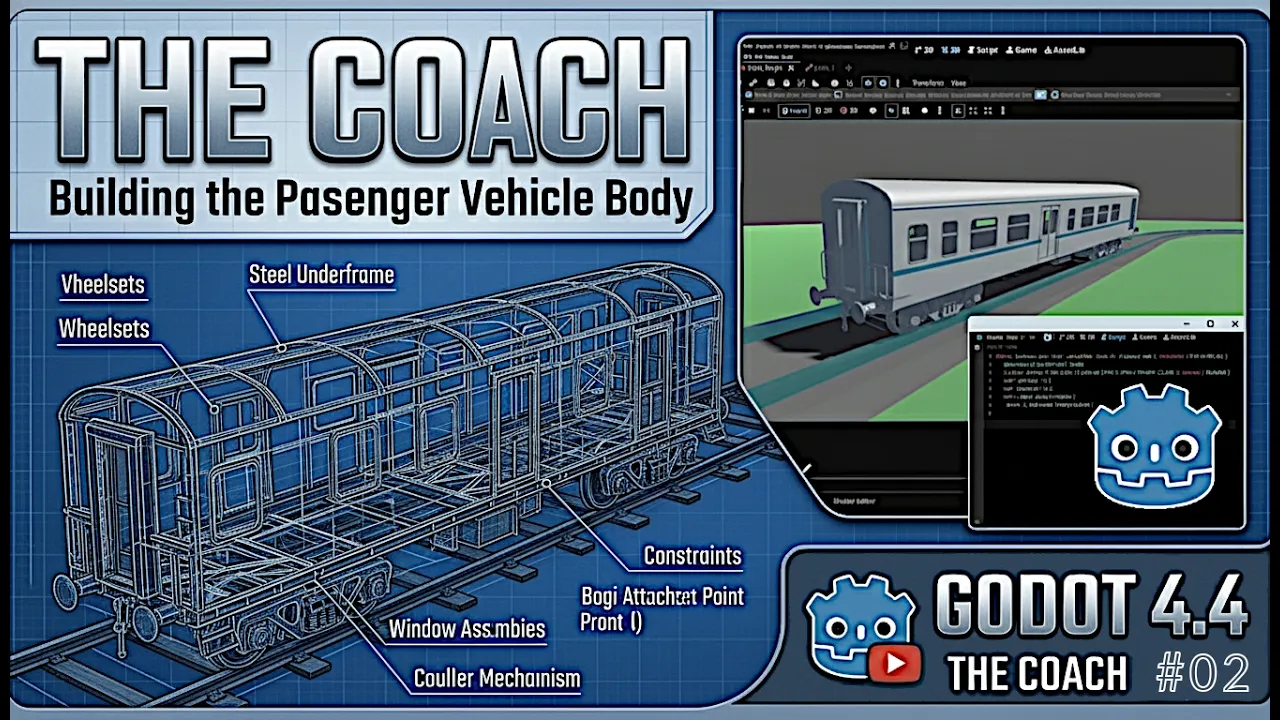
Now that we have successfully built and animated a single bogie tracking smoothly along a spline path, it’s time to scale up. A standalone wheel assembly makes for a cool physics test, but a real railway network requires actual train cars.
In part two of our modular train series, we bridge the gap between mechanical wheel assemblies and a complete, functioning vehicle body. The goal here is straightforward yet mathematically critical: use two bogies, maintain a rigid distance between them, and position and rotate the coach body naturally between them.
🏗️ Step 1: Upgrading to a Double-Bogie Layout
To support a full rail coach, a single attachment point won’t cut it. Real-world train cars rest on two separate bogies (front and rear) to distribute weight and handle tight curves gracefully.
- Front and Rear Instances: Duplicate or instantiate a second bogie node within your scene tree, placing them at opposite ends of where your coach will sit.
- Independent Path Tracking: Ensure both bogies maintain their individual tracking logic along the
Path3Dspline while staying offset by a precise spatial distance.
🚃 Step 2: Configuring the Coach Body
With your wheel assemblies ready, you need to introduce the actual passenger or freight coach mesh.
- Coach Hierarchy: Position the coach body node centrally between the front and rear bogies.
- Inertia and Mass: Give the coach a stable physical representation so it reacts reliably to movement without introducing violent physics jitter.
🔗 Step 3: Writing the Bogie-Coach “Glue Code”
The secret to a natural-looking train car lies in how it links its structural components together. Without proper scripting, the coach will either drift away or clip through the bogies during sharp turns.
- Midpoint Calculation: Write a lightweight script that calculates the exact midpoint vector between the front and rear bogie transforms.
- Look-At Constraints: Dynamically update the coach’s rotation so it constantly orients itself along the vector pointing from the rear bogie to the front bogie. This ensures the car pivots accurately as it enters and exits curved sections of the track.
🧪 Step 4: Bogie-Coach Testing & Stability
Once your glue code is plugged into the _process or _physics_process loop, it’s time to run a system check.
- Curve Behavior: Send your train formation around tight bends. Watch whether the coach slides smoothly or fights against the track rotation.
- Relative Stability: Fine-tune your distance constraints to prevent stretching or compressing effects as the bogies navigate varying curve radii.
Placing a Train Coach between two Bogies in Godot 4.4 video tutorial
Watch the video walkthrough above to see the double-bogie setup, script implementation, and final track test in action!